

The console
A web console for every part of your DNS.
Every screen in the console is a view of the same server state. Nothing is hidden behind a separate admin tool, and the screenshots below come from a running instance.
Dashboard
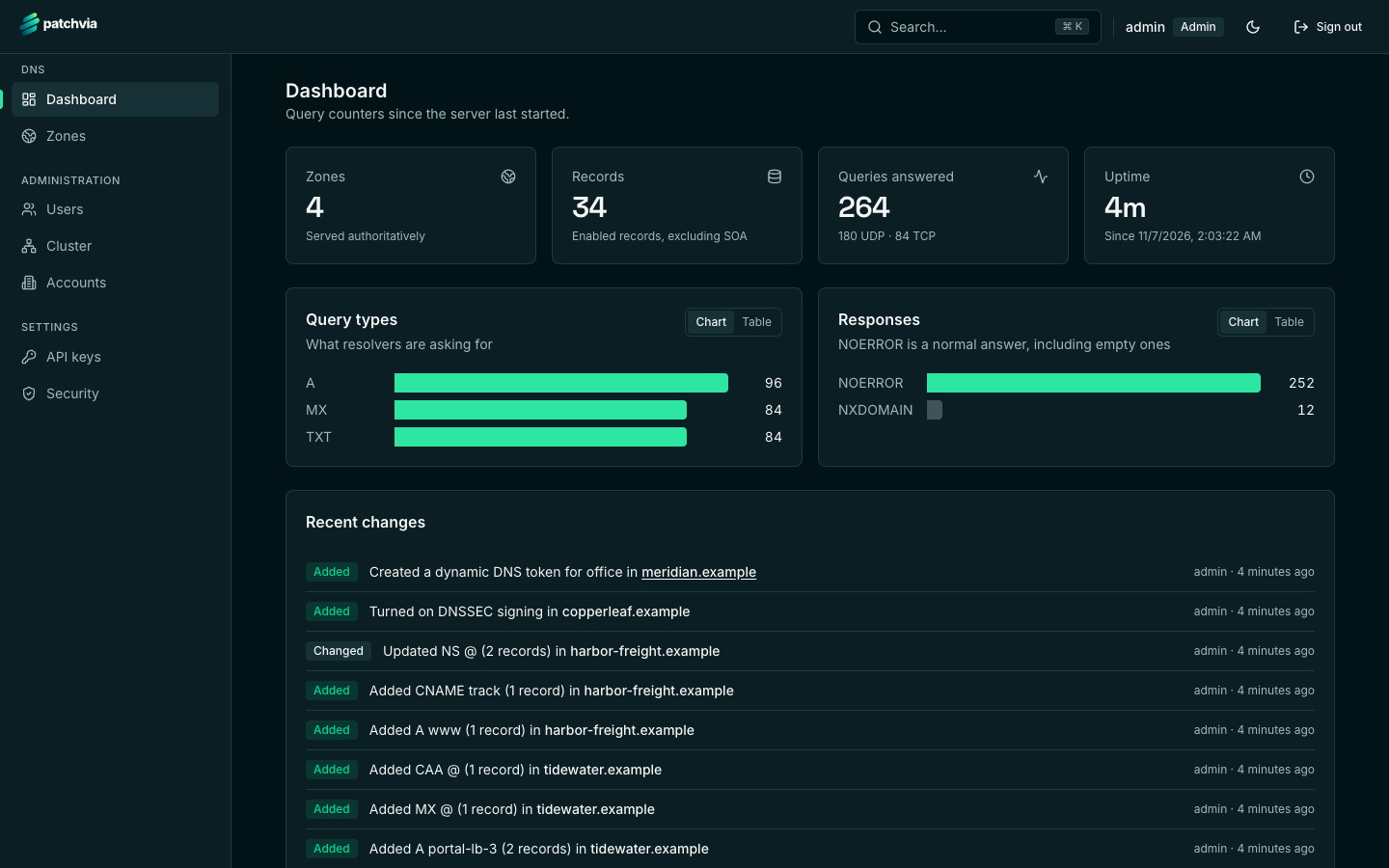
The dashboard shows how many zones and records you serve, how many queries were answered over UDP and TCP, which query types resolvers ask for, the response codes, and the most recent changes.
Zones
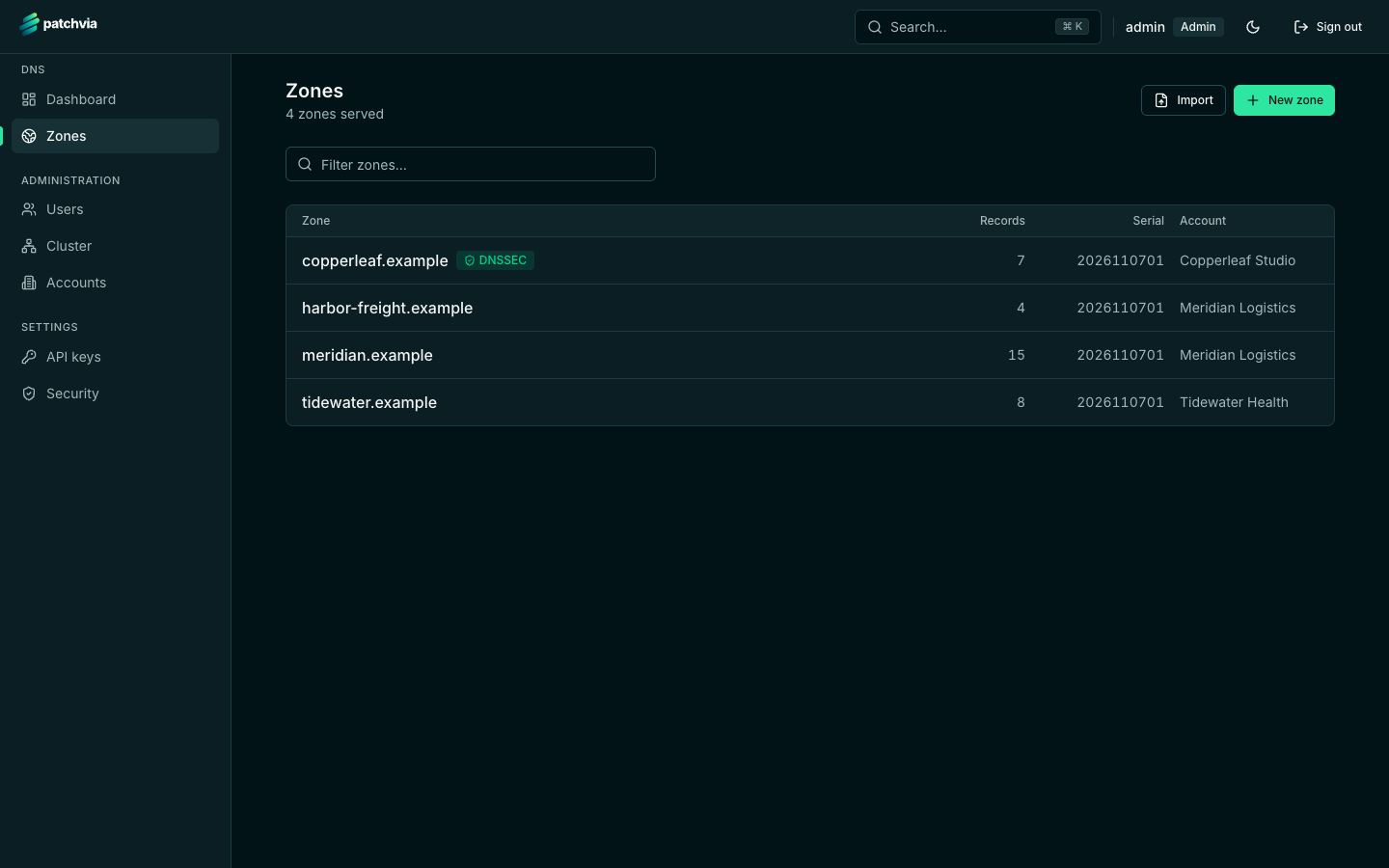
The zone list shows each zone with its record count, serial number, DNSSEC status and account. Zones you cannot access are not listed.
Staged record editing
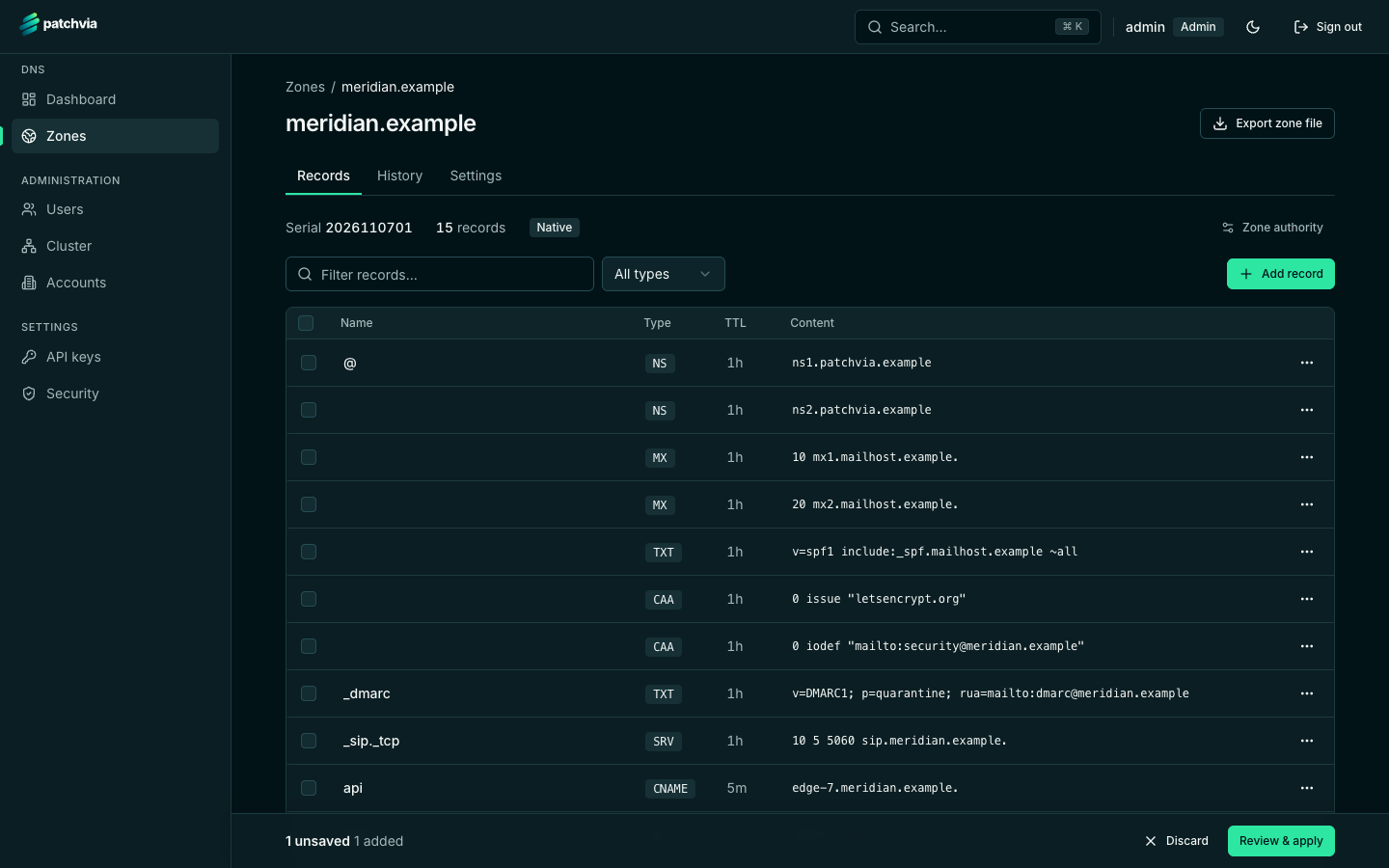
Add or change records and they are staged, not applied. A bar at the bottom shows how many changes are waiting. Review them, then apply them in one step.
DNSSEC
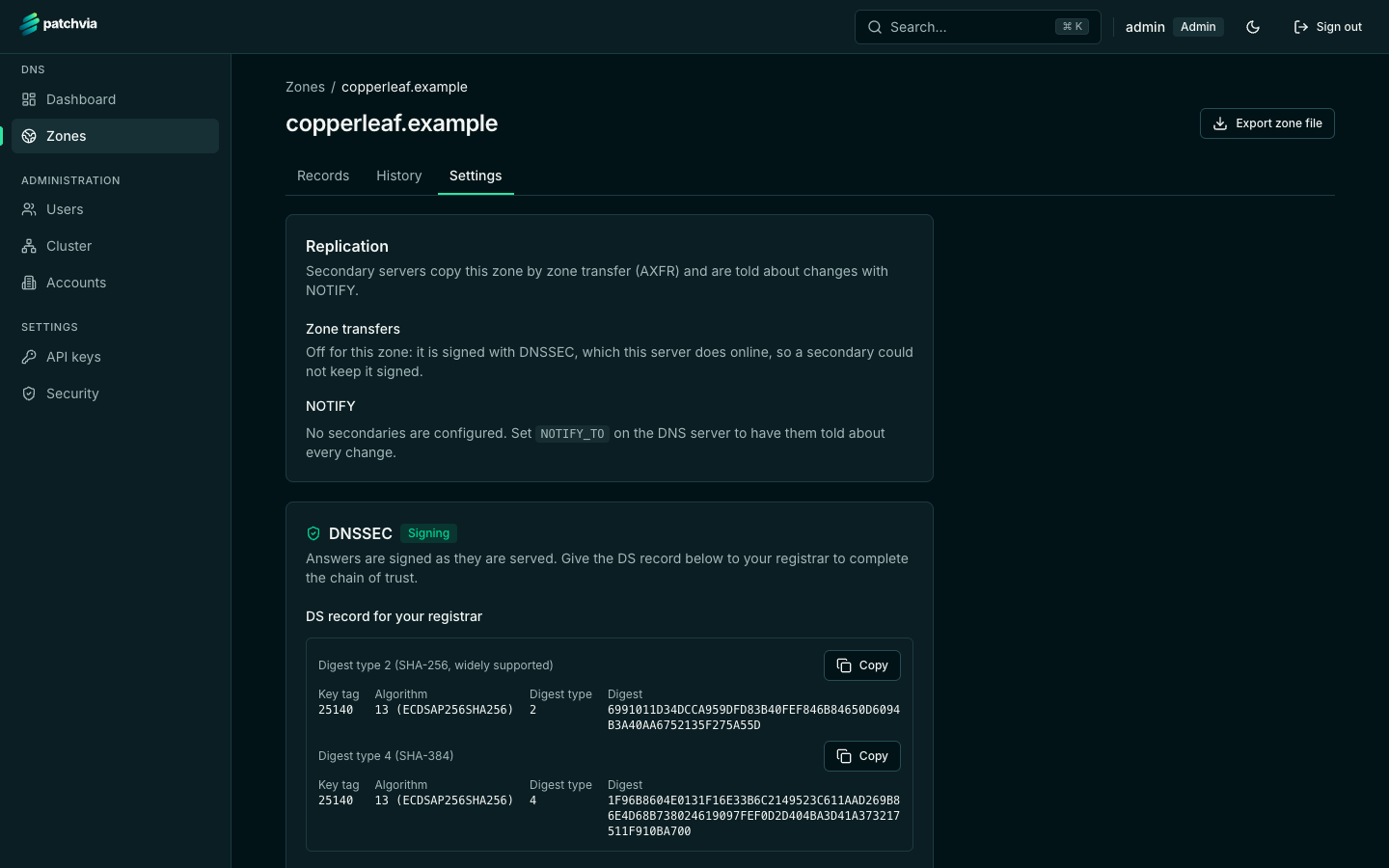
The zone settings page shows whether signing is on, the DS records to give your registrar, and the controls for key rollover.
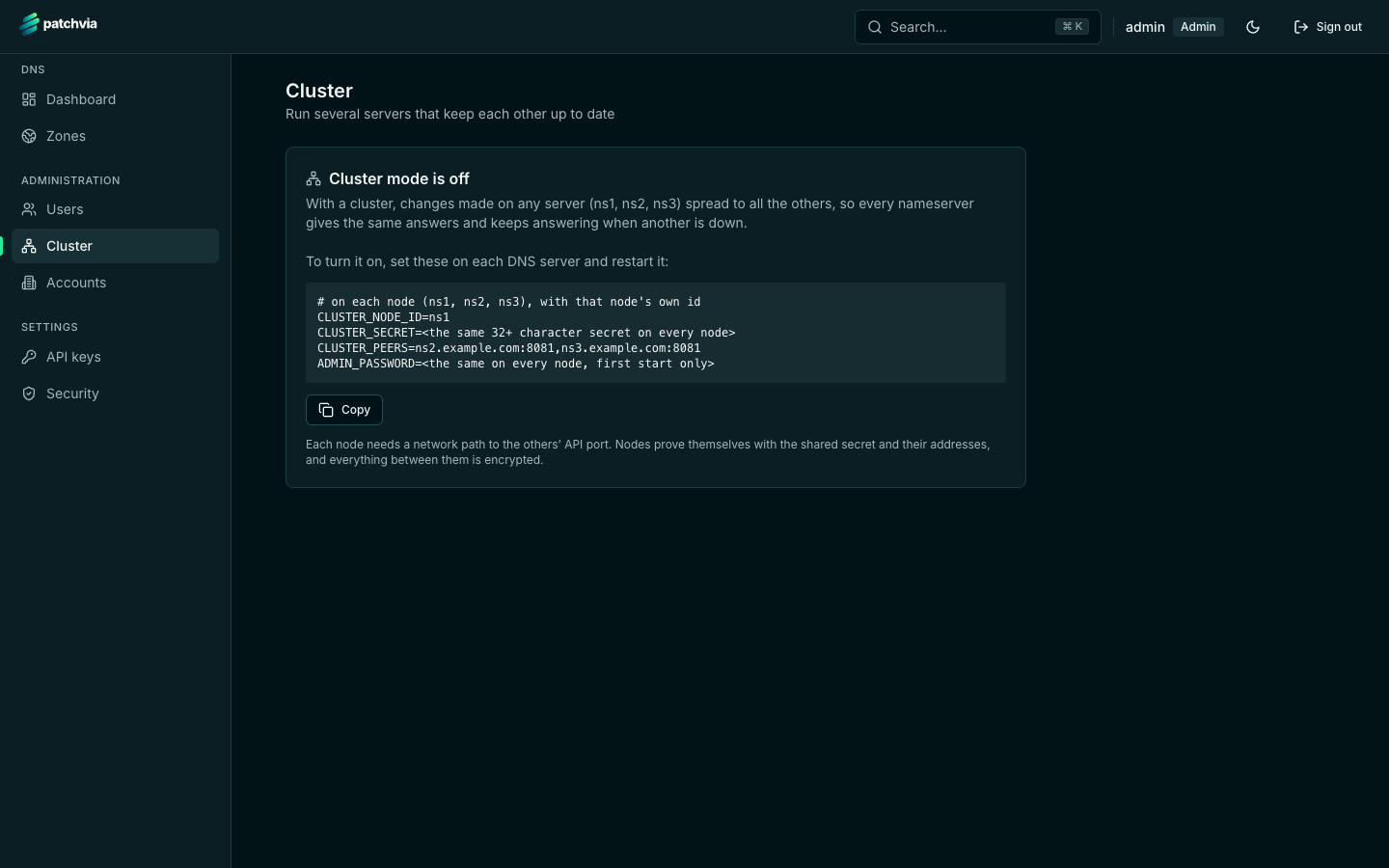
Cluster
The cluster page shows whether clustering is on, the settings each node needs, and the health of the nodes once they run. Clustering is set up with environment variables; see the clustering page.
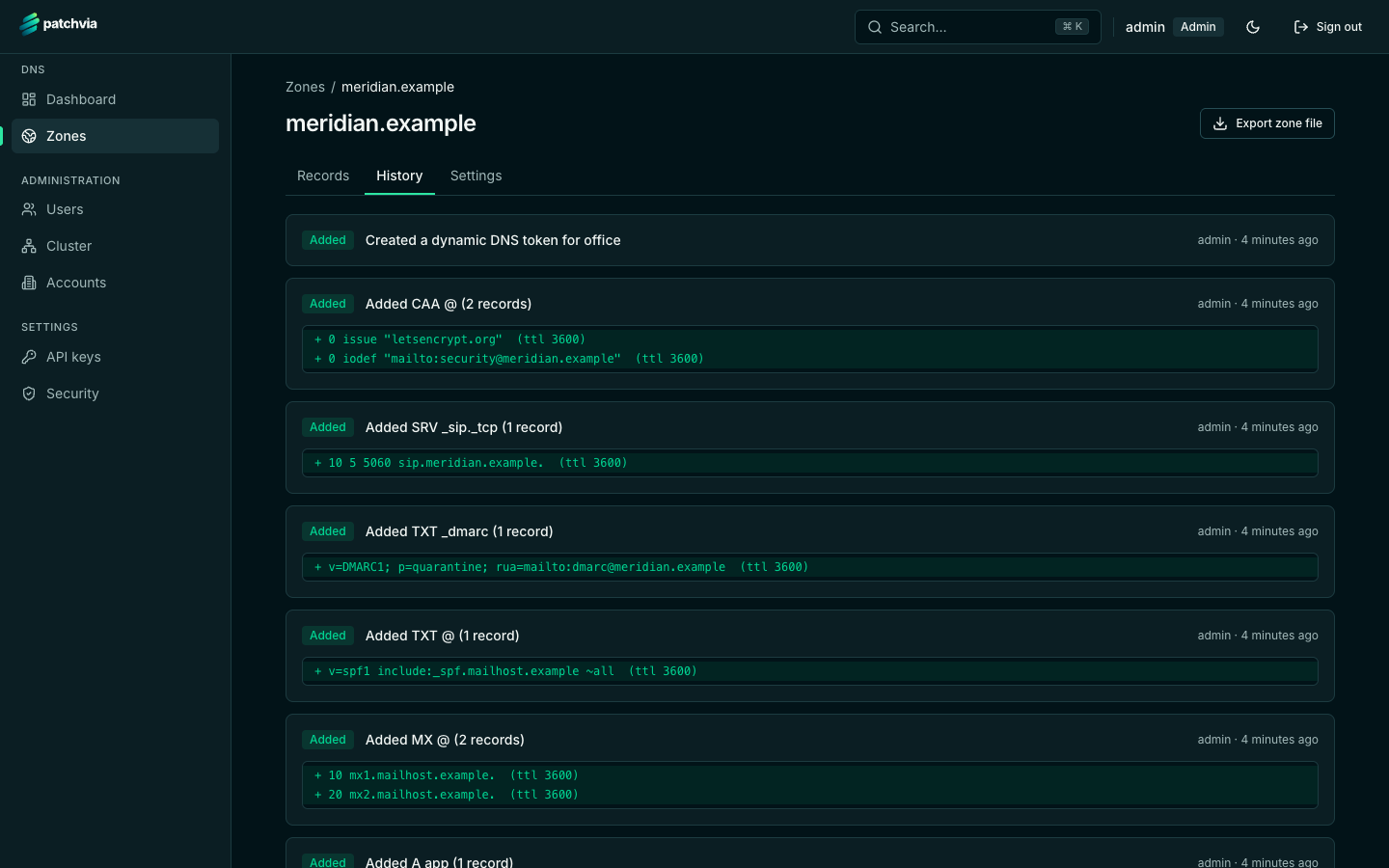
Zone history
Every change is recorded with who made it and when. The history shows the records added, changed or removed in each change, and is the audit trail for a zone.
Run the console yourself
The console ships in the same Docker Compose setup as the DNS server.